Ready at the pump
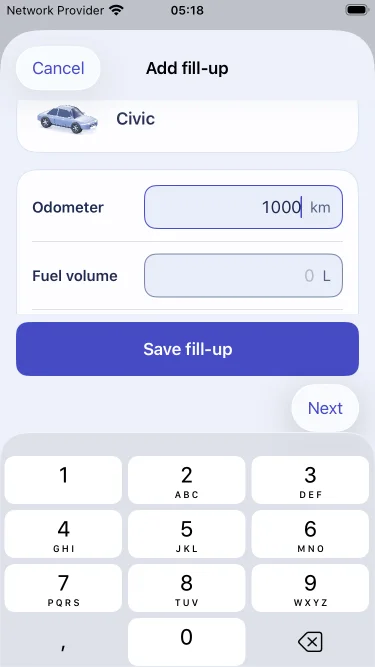
Add your odometer, fuel volume and total cost. Use the log even when you’re out of range.
 MileTank
Log your fuel at the pump. See what every tank costs and how far it takes you.
Coming to iPhone and Android.

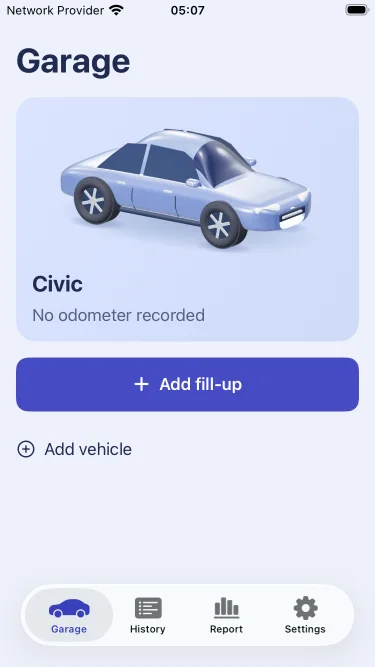
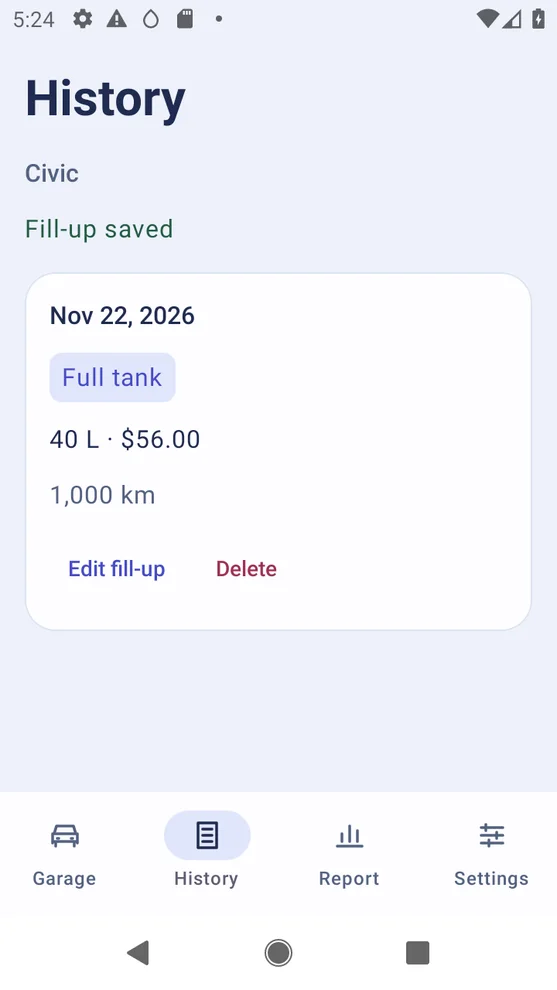
Add your odometer, fuel volume and total cost. Use the log even when you’re out of range.
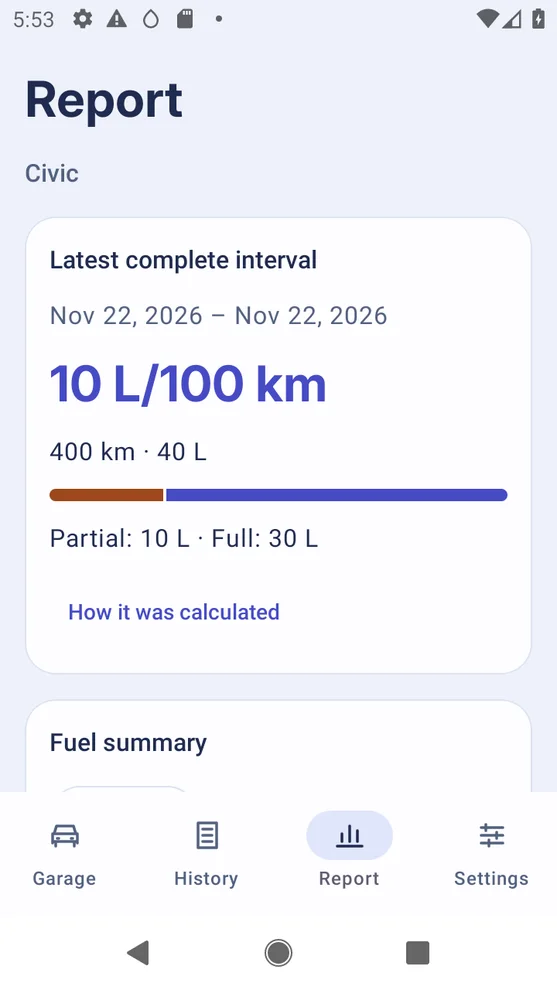
Open a fuel economy result to see its distance and each purchase, including partial fills.
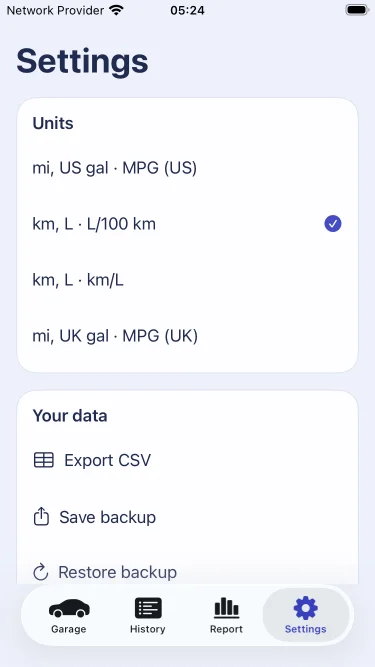
Save and restore a garage backup or export your fill-ups to a spreadsheet.
Use the odometer at two full fill-ups. Add any fuel bought between them to the fuel at the second full fill-up.
Start with one vehicle, reports and file exports for free. Add more vehicles and compare fuel costs with a single purchase. The store shows your local price.
It records your odometer, fuel and costs. MileTank shows the purchases and distance used in each complete fuel consumption result.
Yes. Choose Partial when you add fuel without filling the tank. The report includes it when the next full fill-up completes the interval.
Mark the gap on the next fill-up. MileTank keeps earlier complete results and starts a new interval after a full fill-up.
Save a garage backup and choose Restore backup in Settings on the new phone. Check the preview before replacing its garage.
Import MileTank fuel exports and supported Fuelio and Road Trip fuel CSVs. Review the destination, units and record counts before writing.
Use your garage offline without an account. Export or share your records when you choose.